

Memory Presets vs. One-Touch Reset: Which Control Function Fits a Busy Spa?
A practical guide for spa owners, estheticians, med-spa buyers and distributors comparing two commonly confused electric beauty bed functions.
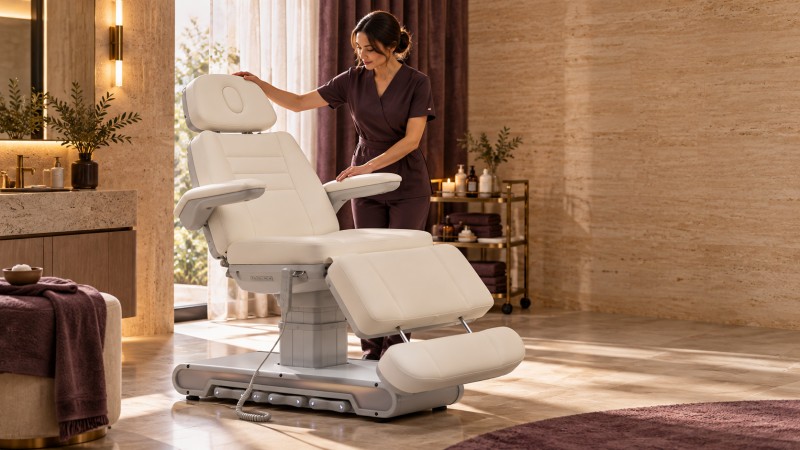
Memory presets and one-touch reset on an electric beauty bed in a busy spa
When an electric beauty bed has several powered movements, returning it to a useful working position can take more than one button press. A backrest, leg section, seat tilt and height setting may all need to change between services or clients. That is why suppliers increasingly promote memory presets and one-touch reset functions.
The terms are not interchangeable. A memory preset normally recalls a position chosen and stored by the user. A one-touch reset or home function normally sends the bed to one designated position. A separate control-system reset may instead recalibrate the actuators or restore software settings. Buyers should confirm which meaning applies to the exact model before treating “reset” as a workflow feature.
Choose one-touch home or reset when the room mainly needs a dependable starting position for client entry, room turnover or closing procedures. Choose programmable memory presets when staff repeatedly switch between two or more treatment positions and want those positions reproduced consistently.
A high-volume, multi-service spa will usually gain more operational value from memory presets. A single-service room may be better served by a simple home function. The best control is not the one with the longest feature list; it is the one that matches the room’s actual sequence of work and can be verified in the product manual.
The word “reset” can describe three very different actions.
A home button moves the bed to a defined position, such as upright for client entry or low and flat for room turnover. That target is often fixed by the manufacturer. On some equipment it may be configured during commissioning, but buyers should not assume that it is user-programmable.
A memory button stores and recalls a user-selected combination of powered positions. Depending on the control system, the stored position may include height, backrest angle, leg-rest angle and overall tilt. The operator can usually overwrite the stored position, although the programming sequence varies by model.
A service reset is not a convenience position. It may retract actuators, re-establish their reference points, clear an error or restore software settings. Some reset procedures delete stored positions. This is one reason a purchase order, product page and operating manual should use precise terminology.
The distinction is documented in professional equipment manuals. For example, a UMF Medical owner’s manual describes two programmable memory positions, a separate home command and a stop control. An Oakworks salon-table manual separately identifies memory buttons, a zero-gravity position and a fully flat/fully down command. These examples do not define how every beauty bed works, but they show why the exact manual matters.
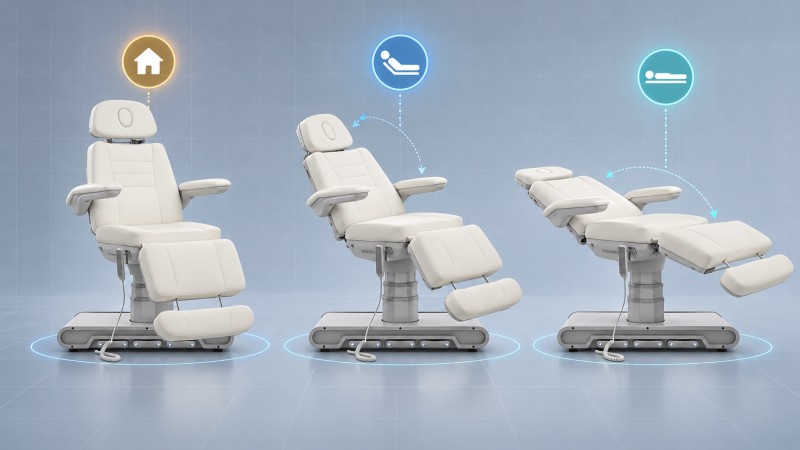
Fixed home position compared with programmable treatment positions
Question | One-touch home or reset | Programmable memory presets |
What does it recall? | One designated position | One or more user-stored positions |
Can staff change the target? | Often no; model dependent | Normally yes, using the model’s programming sequence |
Best operational use | Client entry, turnover, cleaning or a standard start/end position | Repeating service positions, switching between services or standardizing multi-shift rooms |
Training burden | Usually lower | Higher at setup; lower once presets and responsibilities are standardized |
Main purchasing risk | “Reset” may mean calibration rather than a usable home position | The number of memories, saved axes and recall method may be unclear |
What must be verified? | Target position, affected axes, stop behavior and whether the target is fixed | Number of presets, programming method, stored axes, retention after power loss and overwrite protection |
Memory is most valuable when the bed must reproduce several known positions every day.
A facial may use a moderately raised backrest and a lower working height. A lash appointment may need a flatter upper body position and a height that brings the client’s head close to the artist. A consultation, brow service or medical-aesthetic procedure may use a more upright position. Two saved settings can remove repeated trial-and-error adjustments between those services.
Shared rooms often lose consistency because each practitioner leaves the bed in a different configuration. Named room procedures can solve this: for example, preset one is the approved facial position and preset two is the approved lash position. The function is useful only if the team agrees on what each preset represents and who may change it.
The more independent movements a bed has, the more valuable coordinated recall can become. If height, backrest, leg rest and tilt must all be adjusted separately, a stored position may reduce repeated controller inputs. If only height is powered, manual adjustment may already be simple enough.
Presets can help staff begin from a consistent setup, but they do not replace client-specific adjustment. A saved facial position may still need changes for a taller client, mobility limitations, treatment access or comfort. The preset should be treated as a starting point, not a universal final position.
A fixed return position is often sufficient in a room with one main treatment, one practitioner and limited movement between appointments. It may also be the better choice when the team wants the simplest possible control scheme.
A home function can be particularly useful for:
· lowering the bed before a client gets on or off;
· returning the bed to a predictable position for cleaning;
· presenting every room in the same position at opening or closing;
· reducing the need to explain programmable controls to temporary staff; and
· providing a known starting point before a practitioner makes small manual adjustments.
The home position must still suit the intended workflow. A “home” target that is too high for entry or too upright for cleaning may be technically functional but operationally unhelpful.
Store the most frequently used facial position in one memory and the lash position in the second. Use the home command, if provided, for client entry or turnover. Staff should still verify that armrests, head support, linens, cables and nearby equipment are clear before recall begins.
One preset can support consultation or cleansing, while another supports a more reclined treatment stage. If the client remains on the bed, the practitioner should maintain visual control of the movement and stop if the client reports discomfort or any obstruction appears.
The room may benefit from a standardized entry position plus one or two procedure-start positions. However, the supplier must confirm which movements are stored and whether an emergency stop, control lock or any-button stop is included. Do not infer a safety function from a button icon or marketing phrase.
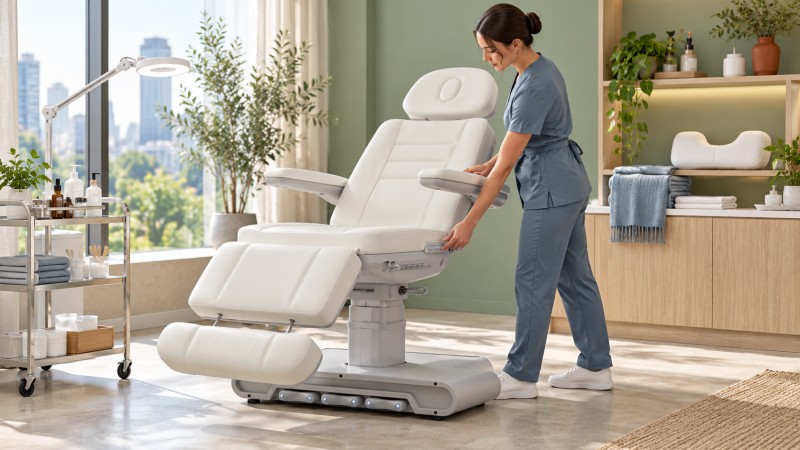
Programmable positions supporting repeatable spa room changeovers
Do not rely on a generic promise that memory will “increase efficiency.” Observe the current workflow instead.
1. List the positions the room uses in a normal day.
2. Record which powered sections staff adjust for each transition.
3. Identify transitions that repeat without meaningful variation.
4. Note whether staff frequently correct or overshoot a position.
5. Compare that process with the proposed preset capacity and recall behavior.
The relevant calculation is straightforward: repeated adjustment time per appointment multiplied by appointments per day. Use your own timed workflow rather than an unsourced industry average. Also account for the time needed to check client comfort and clearance; a preset should not encourage staff to rush those steps.
“One touch” does not always mean the operator can tap a button and walk away. Some systems require the button to be held while the bed moves. Others use an impulse or auto-run mode and stop when another button is pressed. Some memory systems require a long press to store a position and a shorter press to recall it. Holding the wrong button for too long may overwrite a preset.
Before ordering, request a video showing the complete sequence on the exact control configuration being quoted:
· storing a new position;
· recalling every stored position;
· stopping movement during recall;
· returning to home;
· switching the power off and on to test memory retention; and
· locking, unlocking or reprogramming the controls, if those functions are included.
Any coordinated movement deserves the same attention as individual motor adjustment.
· Keep the practitioner at the bed and observe the full travel path.
· Check that the client, linens, cables, stool, trolley and wall are clear.
· Do not assume the bed has collision detection unless the manufacturer documents it for the quoted model.
· Confirm whether pressing any control stops automatic motion.
· Do not let clients operate the controls without a documented, supervised procedure.
· Stop using automatic recall if the bed moves unpredictably, loses its stored position, produces an unusual sound or fails to stop as described in the manual.
· Follow the manufacturer’s instructions before recalibrating the control box or replacing a controller.
The Gharieni product-manual library is a useful reminder that control behavior is model specific: manuals differ in memory capacity, recall method, locking and reset procedures. The manual supplied with the purchased model—not a similar product page—should govern training and troubleshooting.
Ask the supplier to answer these questions in writing:
6. How many programmable positions are included in the quoted configuration?
7. Is the home or reset position fixed, programmable or service-only?
8. Which powered axes are stored in memory?
9. Does recall require press-and-hold or a single impulse?
10. How can the operator stop movement immediately?
11. Are presets retained after power is disconnected?
12. Can a user accidentally overwrite a preset?
13. Is there a control lock, and what does it disable?
14. Which control interfaces can store or recall positions: side panel, back panel, hand remote or foot control?
15. Are programming instructions included in the manual for the exact model and controller revision?
16. Which replacement controller, cable and control-box part numbers match the model?
17. Can the supplier provide a pre-shipment video showing both presets and the home/reset function?
These answers should be incorporated into the approved specification schedule, not left only in chat messages or a sales video.
The DP-M13A3GS-5J adjustable salon bed is a relevant example of a memory-equipped product. Its current product page lists five motors, two memory positions and controls on the side, back and base. The page supports the presence of those features, but a buyer should still request the operating sequence, saved-axis list, stop behavior and controller revision before placing a bulk order.
The DP-L157 electric beauty bed is described with one-touch adjustment and reset functions. Because the product page does not fully define the reset target or sequence, the final quotation and manual should state exactly what “reset” controls and whether it is separate from any programmable position.
Buyers comparing the widerelectric beauty bed range should compare control logic alongside motor count, height range, tilt, rotation and accessories. A four- or five-motor bed is not automatically faster to operate if the controller is poorly matched to the room’s workflow.
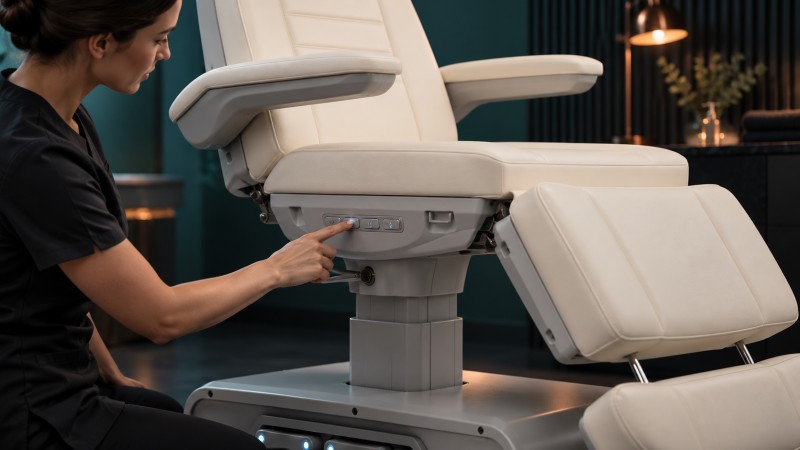
Programming or recalling a treatment position from the side control panel
Complete the following test with the bed unloaded unless the manufacturer’s instructions specify otherwise.
18. Match the model and controller labels to the purchase documents.
19. Operate every motor individually through its stated range.
20. Set and record each memory position according to the manual.
21. Recall each position and confirm that the intended axes move.
22. Test the documented stop method while the bed is moving.
23. Run the home or reset command and verify the final position.
24. Disconnect and restore power, then check whether the memories remain stored.
25. Repeat the sequence from every included control interface.
26. Inspect cables and clearances throughout the motion.
27. Save a short acceptance video and the final preset definitions for staff training.
If the motion differs from the manual or approved demonstration, pause commissioning and ask the supplier to resolve the discrepancy before the bed enters service.
Usually not. Memory presets normally store user-selected treatment positions. A home or reset button normally returns the bed to one defined position. A service reset may recalibrate the control system and may erase saved positions.
Two can be enough when a room repeatedly switches between two principal services, such as facials and lashes. More positions are useful only when the team has distinct, repeatable setups and a clear way to label, train and control them.
Not necessarily. Some systems store several powered axes, while others store only selected movements. Ask for a saved-axis list and verify it on the quoted controller.
This depends on the control system. Include a power-cycle test in commissioning and obtain written confirmation from the supplier.
Many systems provide a stop button or cancel motion when another control is pressed, but behavior varies. Confirm and test the documented method on the exact model.
They can if the bed has enough programmable memories and the clinic permits staff to change them. In shared rooms, centrally assigned service presets are often easier to manage than personal settings.
Follow the model’s programming instructions to restore it. Keep the approved position definitions and a training video available, and ask whether the controller includes a lock or overwrite protection.
For a busy, multi-service spa, programmable memory presets usually provide the greater workflow benefit because they reproduce several useful treatment positions. A one-touch home or reset function remains valuable for client entry, turnover and a consistent start or finish position.
The decision should be based on the number of repeated room setups, the movements saved, the way automatic motion stops and the quality of the operating documentation. Before ordering, send your treatment menu, preferred working positions, room layout and destination electrical requirements to the supplier. Ask for a model-specific control demonstration and signed specification so the feature described in the quotation is the feature that arrives


"*" indicates required fields


